Infrastructure
Network and Infrastructure Support
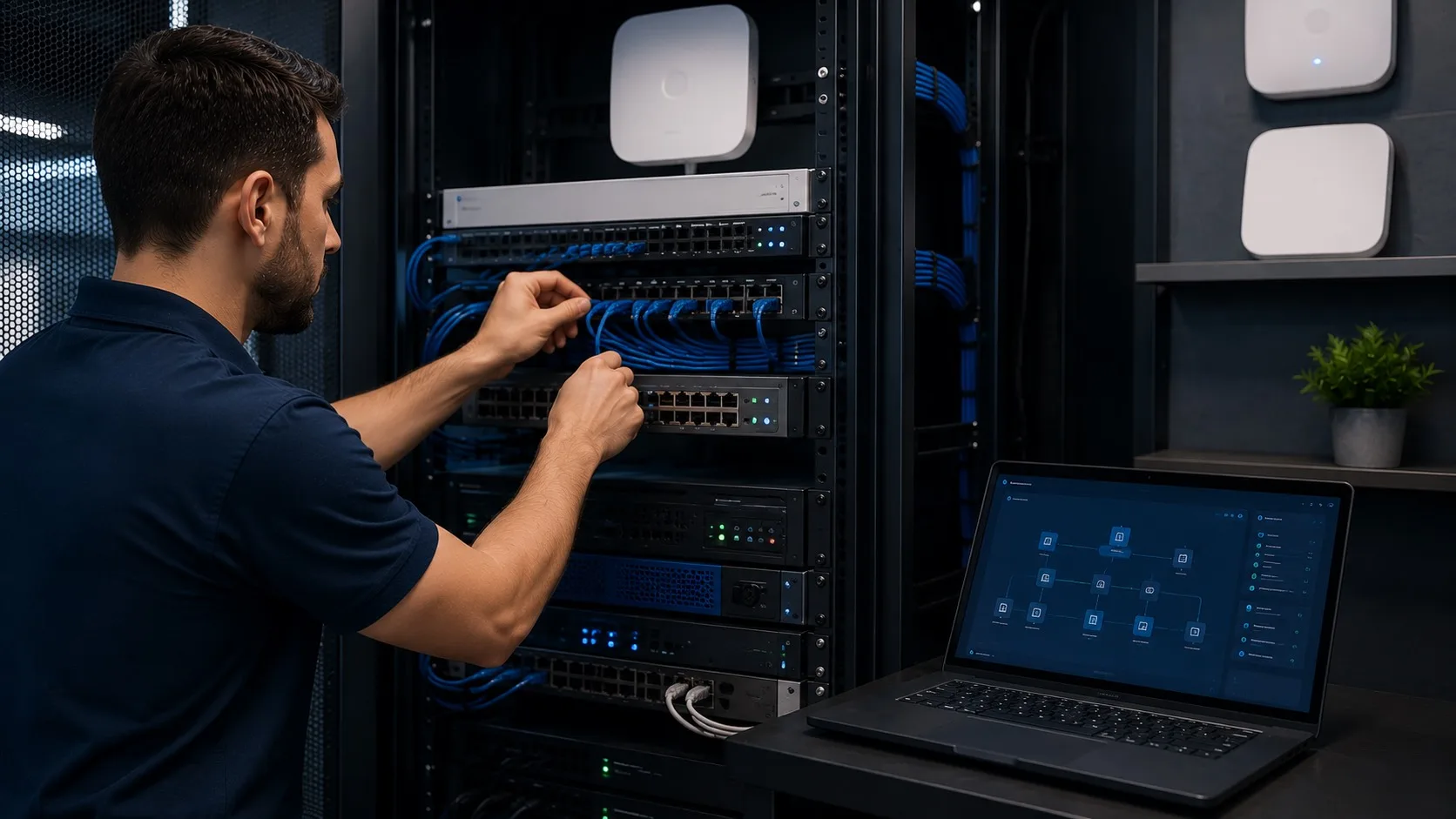
Planning and support for networks, devices, access points, and the core office technology your team uses every day.
What this service covers
Planning and support for networks, devices, access points, and core office technology.
- Network review and troubleshooting
- Office device and infrastructure support
- Wi-Fi and access point planning
- Practical infrastructure recommendations
Common problems it helps with
- Unreliable office connectivity
- Aging equipment with no replacement plan
- Poor visibility into network issues
- Infrastructure decisions made only during emergencies
How OnlineV Helps
Focused support without inflated promises
We look at your current setup, explain the practical options, and help you choose the next step based on risk, cost, and business impact.
We look at the current systems, users, tools, and support needs.
You get clear recommendations separated by urgency and value.
OnlineV can help implement, monitor, and improve the work over time.
When This Matters
Signs this service may be worth a closer look
These are common signals that the issue is no longer just a one-off inconvenience.
What OnlineV does
- Review office networks, Wi-Fi, devices, access points, and infrastructure needs.
- Help troubleshoot reliability issues and plan practical improvements.
- Recommend stable infrastructure choices that match business size and use.
What we avoid
- Replace equipment without understanding the real issue.
- Overbuild infrastructure for a small environment.
- Ignore how users and cloud tools depend on the network every day.
Related Insights
Practical reading connected to network and infrastructure
Useful articles that explain the decisions, risks, and tradeoffs behind this service area.
Managed IT Services in Calgary: What Should Be Included?
Managed IT services in Calgary should include help desk support, monitoring, Microsoft 365, cybersecurity basics, backups, onboarding, vendor coordination, and clear reporting.
Read articleHow Much IT Support Does a Small Business Actually Need?
The amount of IT support a small business needs depends on users, devices, Microsoft 365, security risk, backups, remote work, and how much downtime…
Read articleHow To Prepare for Changing Your IT Support Provider
Changing IT support providers is easier when you document access, Microsoft 365, backups, vendors, devices, and open issues before the transition starts.
Read articleFAQ
Common questions about network and infrastructure
Short answers before you decide whether a deeper conversation makes sense.
What network issues can OnlineV help with?
OnlineV can help with office connectivity, Wi-Fi planning, access points, troubleshooting, device infrastructure, and practical upgrade planning.
Do you support small office networks?
Yes. Small and mid-sized offices often need stable, understandable network support without oversized infrastructure.
Can you help decide when equipment should be replaced?
Yes. OnlineV can help separate configuration or planning issues from equipment that is aging or no longer fit for the business.
Is network planning connected to cloud support?
Yes. Remote work, cloud apps, and Microsoft 365 all depend on reliable network access and practical infrastructure choices.
Related Services
Other ways we can support your technology
Most business systems overlap, so related IT, cloud, security, and AI work can be planned together when it makes sense.
Remote Monitoring
Monitoring and maintenance to identify issues early and reduce avoidable disruption.
Learn moreHelp Desk Support
Help desk, user support, device setup, maintenance, and practical troubleshooting for everyday business systems.
Learn moreCybersecurity
Protection for accounts, devices, email, access, backups, and the systems your team depends on.
Learn moreAI Workflow Automation
AI workflows and automation where they create real operational value, not extra complexity.
Learn moreCloud and Microsoft 365
Setup and support for Microsoft 365, Azure, Google Workspace, AWS, and hybrid cloud workflows.
Learn moreAI Readiness and Training
Clear guidance on where AI can help, where it should not, and how teams can use it safely.
Learn moreBackup and Recovery
Backup planning, monitoring, and recovery guidance so important business data is easier to protect.
Learn moreStart with a practical 15-minute conversation
Tell us what is going on with your IT, security, cloud, or AI priorities. We will help you identify the clearest next step.
Book Your Free Session