Retail IT

IT support for retail businesses

Store systems and office tools working together. IT support for retail businesses that need reliable devices, Wi-Fi, email, Microsoft 365, POS-adjacent vendor coordination, backups, and practical cybersecurity.

Industry-aware support Support for retail teams balancing store operations, customer service, staff devices, payment vendors, inventory tools, and office systems.
Calgary-based Local accountability with remote-capable support.
Serving clients since 2003 Practical guidance across changing tools and business needs.
Transparent scope Clear recommendations without inflated claims or forced bundles.

Who This Helps

Support shaped around how the business works

These pages are intentionally practical: common issues, useful support areas, and clear next steps.

Independent retailers and multi-location local stores
Teams using POS systems, Wi-Fi, inventory tools, email, and shared devices
Retail businesses that need practical support without a full internal IT team

Related Starting Points

Start from the closest business issue

These pages help connect the industry problem to the right support, security, cloud, assessment, or planning conversation.

Related Starting Points

Choose the page that matches the real issue

Industry pages help narrow context. These service pages go deeper into support, security, cloud, assessment, and planning.

Common Situations

Where support usually becomes necessary

OnlineV starts with the operational problem before recommending tools, service scope, or automation.

Store uptime matters

Retail teams need Wi-Fi, devices, email, and vendor tools to support sales, inventory, and customer service.
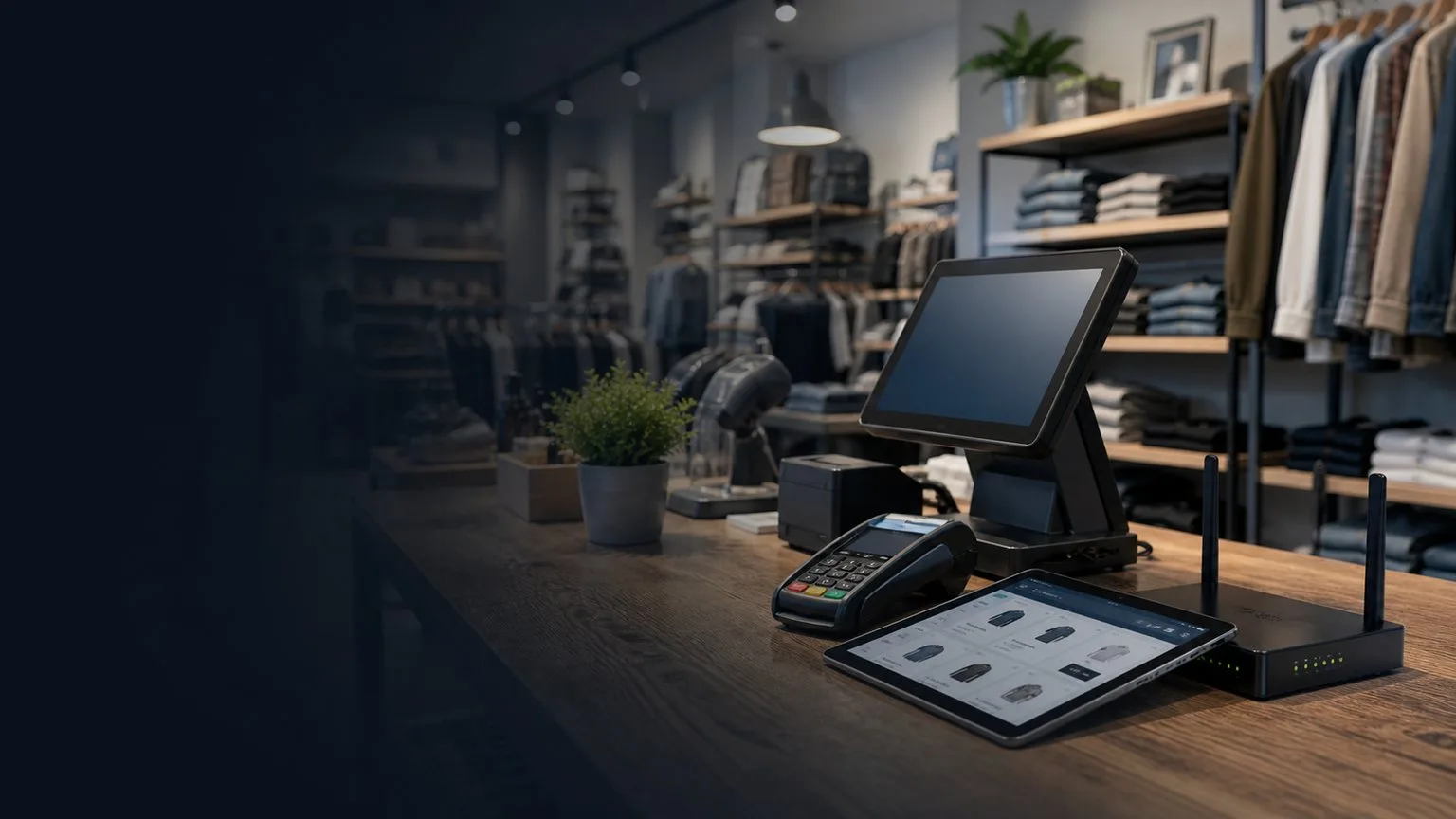
Vendors need coordination

POS, payments, inventory, and e-commerce tools often need clear handoffs between vendor support and business IT.

Shared access needs cleanup

Staff accounts, shared devices, passwords, MFA, and offboarding should not depend on informal habits.

Common Problems

Signs it may be time to review support

  • Store devices, Wi-Fi, email, cloud files, and vendor tools need clear support ownership.
  • POS, payments, inventory, and customer workflows can be disrupted when vendors and IT are not coordinated.
  • Staff access, shared devices, backups, and cybersecurity basics may be inconsistent.

What OnlineV Can Help With

Practical support before bigger commitments

  • Store device and user support
  • Wi-Fi and network troubleshooting
  • Microsoft 365 and email support
  • POS and payment vendor coordination
  • Backup and cybersecurity planning
  • Staff onboarding and offboarding basics

What OnlineV Reviews First

Start with the areas that affect work, risk, and client service

Before recommending tools or a support plan, OnlineV looks at how the current environment is actually used by the team.

01 Store devices, Wi-Fi, printers, email, and Microsoft 365 access
02 POS, payment, inventory, and e-commerce vendor coordination
03 Staff accounts, shared devices, MFA, and offboarding
04 Backup and recovery expectations for store and office information
05 Cybersecurity basics for email, accounts, and devices
06 Support ownership across one or more locations

Proof Points

What usually improves after the first cleanup

These are practical review areas, not inflated promises. OnlineV focuses on visible operational gaps that can be confirmed, documented, and improved.

01

Typical first-month cleanup

  • Review store devices, Wi-Fi, Microsoft 365, staff accounts, and shared workstations.
  • Document vendor handoffs for POS, payments, inventory, and e-commerce tools.
  • Confirm backup, MFA, offboarding, and basic security expectations.
02

Common risks we find

  • Store issues bouncing between payment, POS, network, and device vendors.
  • Shared staff access creating unclear accountability.
  • Backups and support ownership being assumed instead of documented.
03

What improves after cleanup

  • Clearer support path for store and office systems.
  • Better vendor coordination for retail operating tools.
  • Cleaner staff access and device support habits.

Example Scenario

A realistic starting point

A retail business has store devices, Wi-Fi, staff accounts, POS-adjacent vendor tools, inventory systems, email, and shared access habits.

What OnlineV would not overpromise

  • No compliance, legal, financial, privacy, or industry certification claims without qualified advisors.
  • No forced tool bundle when cleanup, documentation, or support ownership is the better first step.
  • No AI automation pushed into sensitive workflows without clear data rules and human review.

Start With A Practical Review

Review your retail it setup before problems grow

OnlineV can review support, access, Microsoft 365, backups, cybersecurity basics, devices, and practical AI opportunities so you know what deserves attention first.

Book a Free Retail Review

FAQ

Questions about retail businesses

Short answers before deciding whether a deeper conversation makes sense.

Can OnlineV support retail stores?

Yes. OnlineV can help with business IT such as devices, Wi-Fi, email, Microsoft 365, backups, cybersecurity basics, and vendor coordination.

Do you support POS or payment systems directly?

OnlineV can coordinate with POS and payment vendors and support the surrounding network, devices, accounts, and business IT environment.

Can you support multi-location retail?

Yes, depending on scope. OnlineV can help review users, devices, Wi-Fi, vendor handoffs, cloud access, backups, and support expectations across locations.

Can this start as a one-time review?

Yes. Many industry-specific IT conversations should start with a focused review before committing to a larger support plan.

Can OnlineV work with our existing software vendors?

Yes. OnlineV can support the surrounding business IT environment and coordinate with vendors where specialized software needs vendor-specific help.

How much does IT support cost for retail it support calgary?

Cost depends on users, devices, cloud tools, support expectations, security needs, backups, and whether the work is ongoing support or a focused project.

Can OnlineV support remote or mobile staff?

Yes. Many industry teams need support across office, home, mobile, and remote work. The first step is understanding access, devices, and cloud tools.

What is the first thing OnlineV reviews?

The first review usually covers users, devices, Microsoft 365, access, backups, security basics, support history, and the business workflows that cannot afford disruption.

Start with a practical 15-minute conversation

Tell us what is going on with your IT, security, cloud, or AI priorities. We will help you identify the clearest next step.

Book Your Free Session