Remote Monitoring

Remote Monitoring and Device Health

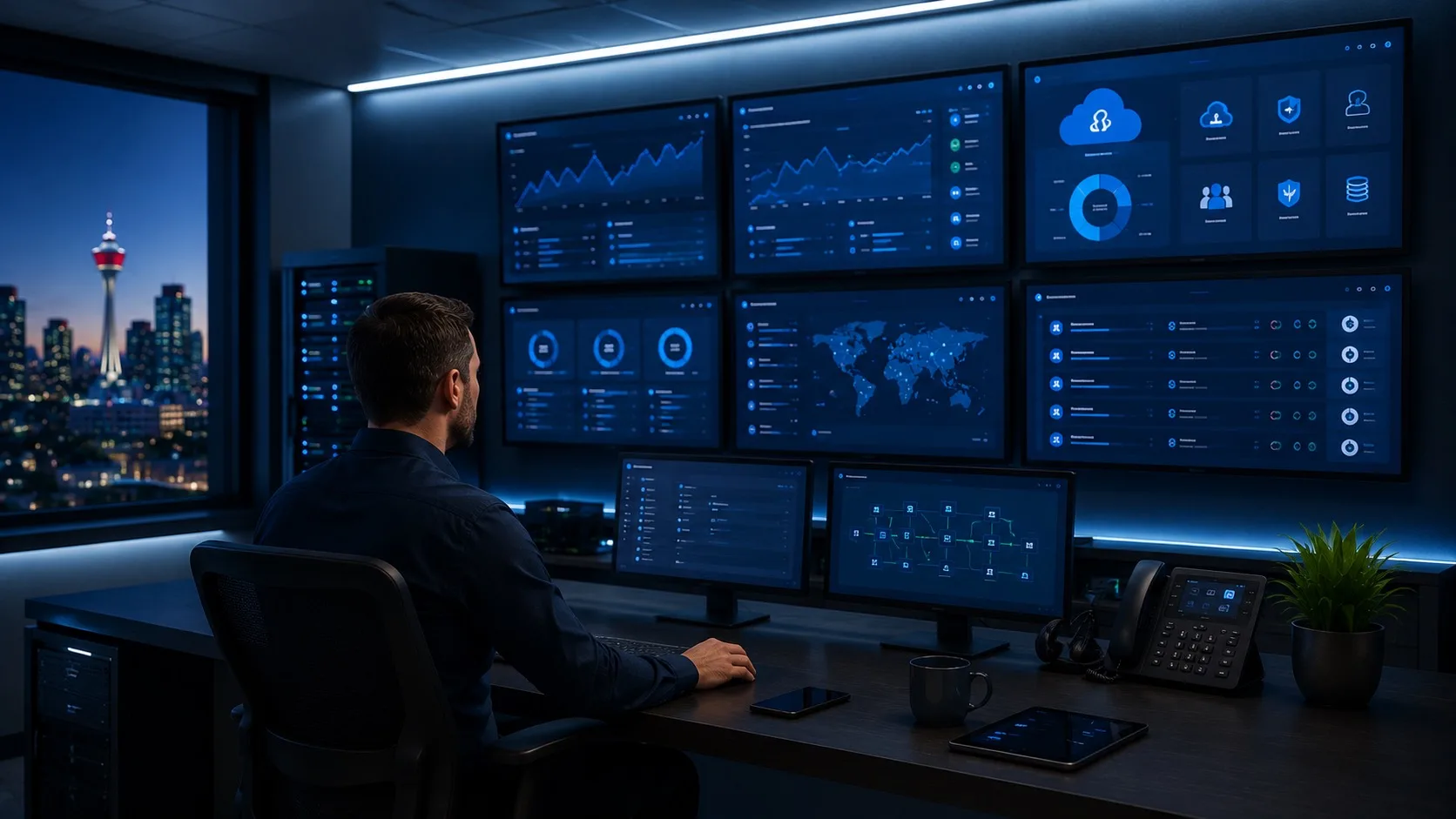
Remote Monitoring. Continuous monitoring, patch coordination, and device-health review designed to catch avoidable issues before they interrupt daily work.

Remote Monitoring Remote monitoring and maintenance to identify issues early and reduce avoidable disruption.
Local and remote Calgary-based support with remote-capable delivery
Practical scope Recommendations tied to real need, cost, and risk
Since 2003 Support across changing tools, platforms, and teams

Service Scope

What this service covers

Remote monitoring and maintenance to identify issues early and reduce avoidable disruption.

  • Device and system monitoring
  • 24/7 IT monitoring and alert review scope
  • Patch and update coordination
  • Basic health checks and alerts
  • Practical follow-up when something needs attention

Common problems it helps with

  • Small problems becoming larger outages
  • Systems going unpatched for too long
  • No clear view of device or system health
  • Confusion between 24/7 monitoring alerts and 24/7 human support
  • Support that only starts after something breaks

What Good Looks Like

Monitoring that leads to action

Monitoring should create useful follow-up, not just more alerts.

01

Fewer avoidable surprises

Patching, device health, and common warning signs are watched before they turn into urgent user disruption.
02

Clearer support priorities

Alerts are reviewed in context so the team knows what needs action now and what can be planned.

03

Better system visibility

You get a practical view of devices and systems without building a full internal IT department or confusing 24/7 IT monitoring with unlimited human response.

First Things To Check

  • Confirm which devices and systems matter most.
  • Review current patching, alerts, and maintenance habits.
  • Define what 24/7 IT monitoring Calgary coverage should alert on and who should respond.
  • Decide what should trigger action versus simple observation.

How OnlineV Helps

How OnlineV turns signals into follow-up

We look at your current setup, explain the practical options, and help you choose the next step based on risk, cost, and business impact.

Review
We look at the current systems, users, tools, and support needs.
Prioritize
You get clear recommendations separated by urgency and value.
Support
OnlineV can help implement, monitor, and improve the work over time.

When This Matters

When monitoring needs closer attention

These are common signals that the issue is no longer just a one-off inconvenience.

Updates, patches, or device health checks are handled inconsistently.
Small technical issues are usually noticed only after users complain.
You are comparing 24/7 IT monitoring Calgary options but need to know what is automated and what gets a human response.
You want better visibility without building a full internal IT process.

Practical Approach

What OnlineV does

  • Review practical monitoring needs for devices and business systems.
  • Define 24/7 IT monitoring scope, alert handling, escalation, and what response expectations should be written down.
  • Help coordinate maintenance, patching, health checks, and useful alerts.
  • Explain what needs attention now and what can be watched over time.

What we avoid

  • Turn monitoring into noisy reports that nobody uses.
  • Treat every alert as an emergency.
  • Recommend tools without a clear support process behind them.

FAQ

Common questions about remote monitoring

Short answers before you decide whether a deeper conversation makes sense.

Do small businesses need remote monitoring?

Often, yes. Monitoring can help catch avoidable issues earlier, especially when a business depends on devices, cloud tools, and stable day-to-day access.

Is 24/7 IT monitoring Calgary the same as 24/7 human support?

No. Monitoring can watch for alerts around the clock, while human response depends on the support agreement, escalation rules, urgency, and coverage hours.

Does monitoring replace help desk support?

No. Monitoring helps identify issues, while help desk support helps users when something needs attention or troubleshooting.

Will OnlineV explain what the alerts mean?

Yes. The goal is useful follow-up, not just automated notifications. OnlineV helps separate meaningful issues from noise.

Can this support remote teams?

Yes. Remote monitoring can be useful for Calgary, Canadian, and remote teams when devices and systems need consistent oversight.

Review your remote monitoring priorities

Bring the current issue, business impact, and existing setup. OnlineV will help define the clearest practical next step.

Book a Free IT & AI Review